
Most connection problems come down to a handful of causes, and View My Desktop usually tells you which one in plain words. Find what you're seeing below.
The computer shows as offline
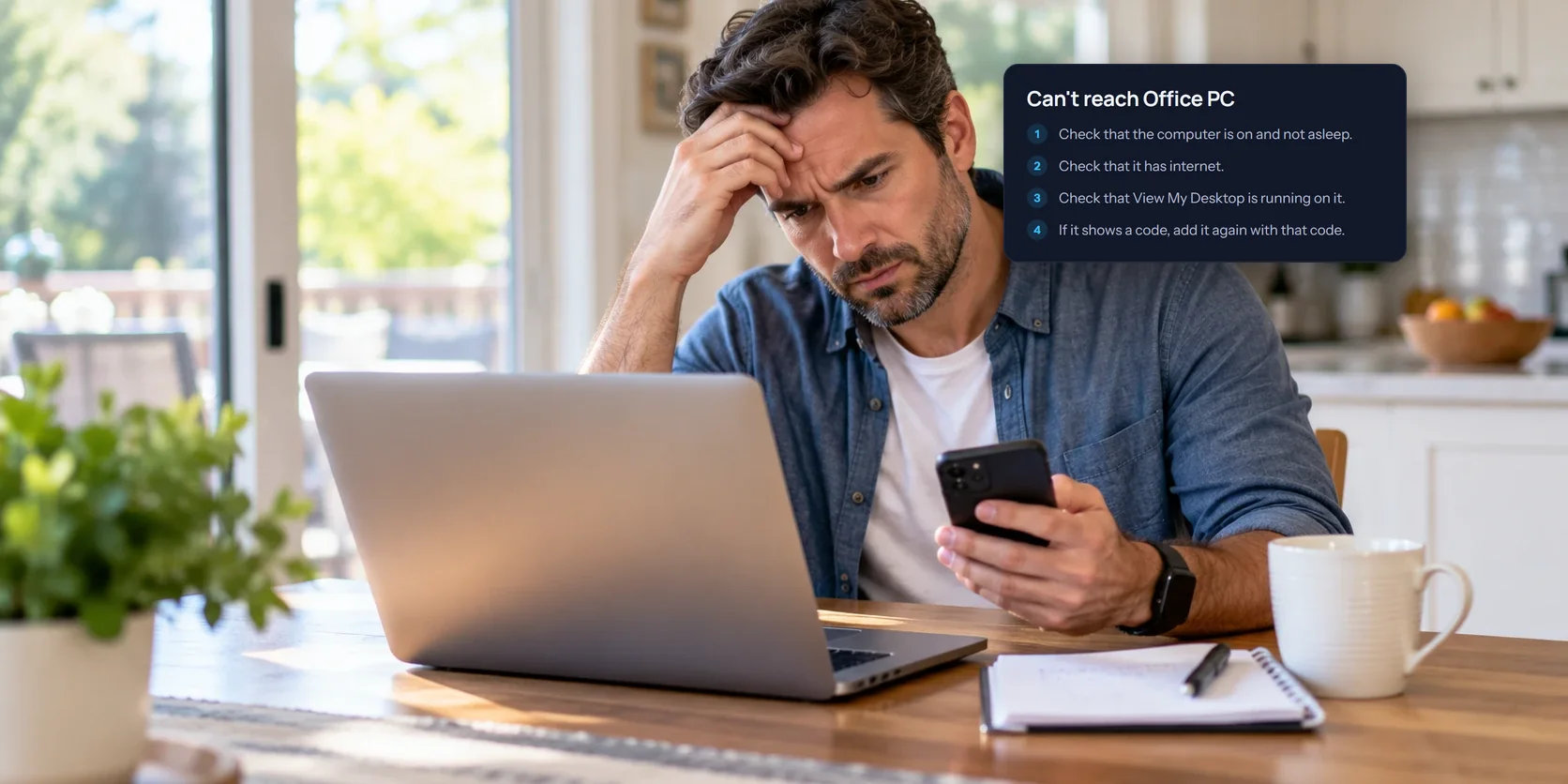
Your device can't see the computer, so start at the computer's end. Work down this list:
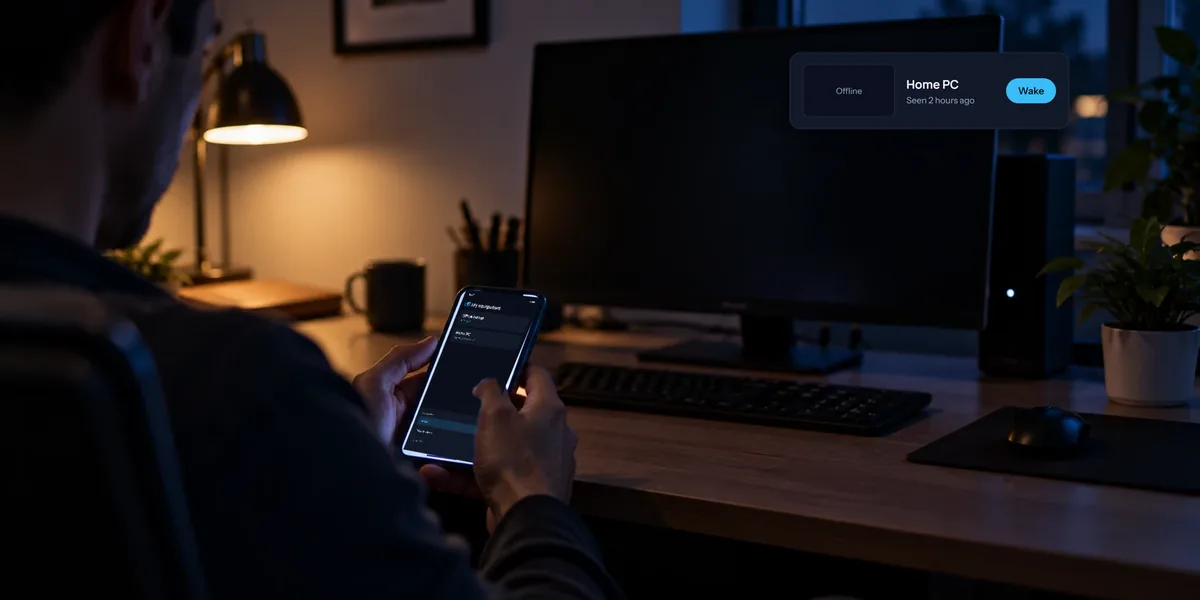
- Is it on and awake? A computer that's asleep or shut down can't answer. If another of your computers on the same network is on, you may be able to wake it remotely.
- Does it have internet? If you're there, open a website on it.
- Is View My Desktop running on it? On Windows, look for its icon in the notification area near the clock. On a Mac, look in the menu bar.
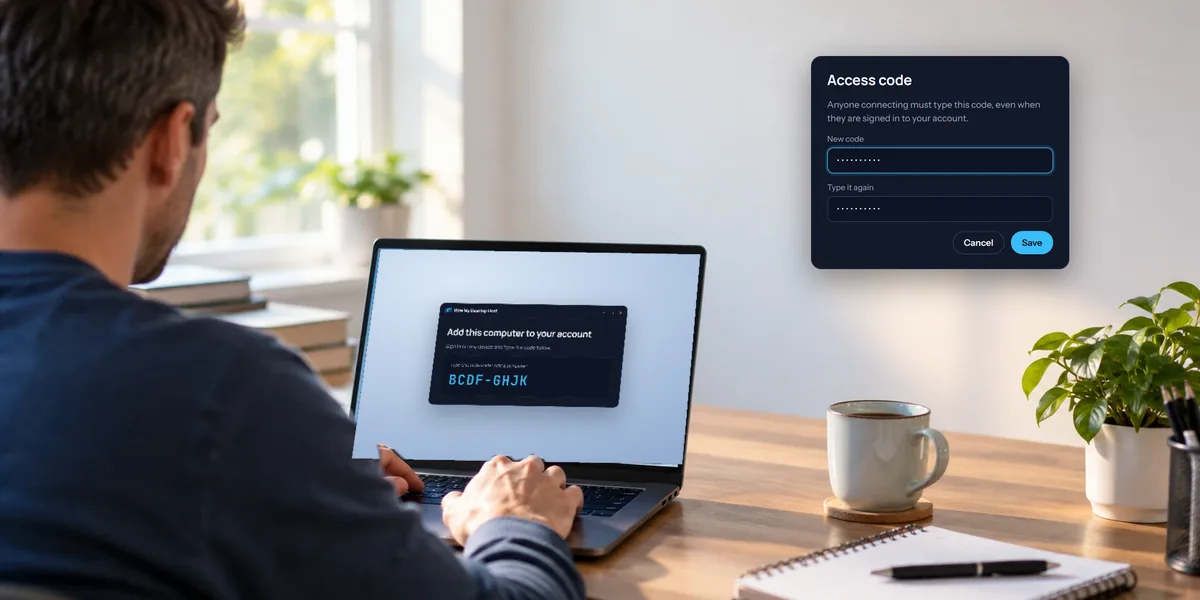
- Is the host showing a code? Then the computer was taken out of your account. Add it again by typing that code under Add a computer.
On the website, an offline computer's card has a Troubleshoot button with the same checklist.
"This computer has no access code yet"
Every computer needs an access code before anyone can connect, and this one hasn't got one. Someone at the computer has to set it: in the host window on Windows, or with Set an access code in the View My Desktop menu on a Mac. Nobody can set it from outside, which is the point.
"That code did not work"
The code is checked exactly as typed, including spaces in the middle and capital letters. You'll see how many tries are left.
If you see Too many wrong access codes were tried. Try again in 15 minutes., the computer has stopped taking new connections for a while, after five wrong tries in a row. It counts every try from anyone, not just yours. The computer's owner gets an email about it, with the account that tried last.
If you've forgotten the code, someone at the computer has to set a new one. There's no way to look up the old one, since the computer only keeps a one-way check of it.
Stuck on "Waiting for a yes"
The computer is set to ask the person sitting at it before anyone connects. They have 30 seconds to click Allow.
- The person at the computer did not allow the connection means someone clicked Don't allow, or closed the question.
- Nobody at the computer said yes, and it only allows connections when someone there does means nobody answered, or the computer was locked. To connect when nobody's around, someone at the computer has to change When someone connects in View My Desktop to Ask me, and let them in if I'm away, or to Let them in.
"This Mac hasn't allowed View My Desktop..." (Mac)
macOS needs someone at the Mac to allow two things:
- Screen recording. Until it's allowed, you can't connect, and you're told the Mac hasn't allowed View My Desktop to record its screen yet.
- Accessibility. Until it's allowed, you can see the screen, but a note says your clicks and typing won't reach the Mac.
Either way, the Mac shows its own question again, so someone there can allow it. The View My Desktop menu in the Mac's menu bar also shows Allow screen recording... or Allow control of this Mac..., and each opens the right place in System Settings. Someone has to be at the Mac, because macOS doesn't accept this from a remote click. Our Mac setup guide covers it.
The connection can't be made or keeps dropping
You might see The connection to the computer could not be made, even through the relay, or The connection to the computer was lost. View My Desktop tries to reconnect on its own for a couple of minutes first.
- Try another network. Strict office, school, and hotel networks can block connections. Your phone's mobile data is an easy test.
- Check the computer's connection. If it's on Wi-Fi with a weak signal, a cable or a spot nearer the router helps.
- A firewall blocked the direct connection to this computer, and the relay is not available right now means your network blocks direct connections and the backup relay couldn't step in at that moment. Try again a little later, or from another network.
Our guide to remote access without port forwarding explains how direct connections and the relay work.
Other messages you might see
- This is the computer you're using. You've opened the computer from a browser on that same computer, which would only show its screen inside itself. Connect from another device.
- This computer's account doesn't have a plan yet, The free trial for this computer has ended, or The plan for this computer has ended. The computer's owner needs to choose a plan under Plan and billing.
- Asks everyone to use two-step sign-in. Your team requires two-step sign-in. Turn it on under Security, then connect again.
- Every session with this computer is recorded, but this computer cannot record. Its team or its owner records every session, and this computer can't save a recording. Ask whoever manages it: a team admin, or the computer's owner.
- The computer could not prove it is the one this code belongs to. Something between you and the computer didn't check out, so nothing was shown. Try again from a different network, and tell us if it keeps happening.
- Disconnected after 30 minutes without any activity. Sessions end when nobody's used them for half an hour. Just connect again.
- Can't reach View My Desktop. Your own device has lost its internet connection.
Still stuck?
Get in touch through our contact page and tell us the exact message you see. It points us at the cause straight away.