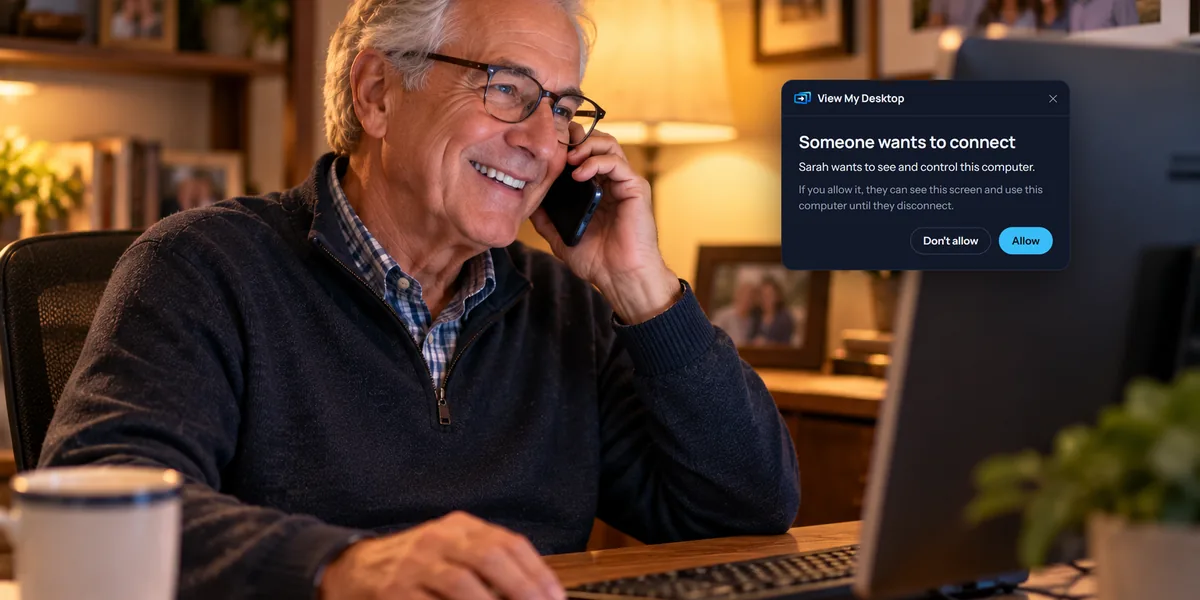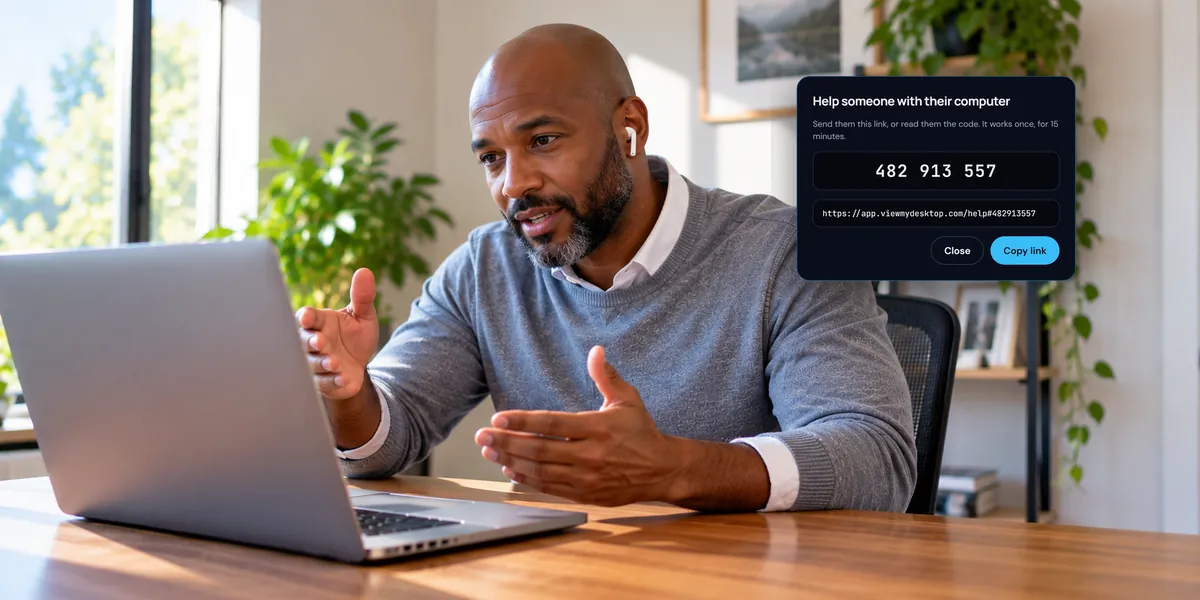


Sometimes the person at the other computer is right there, and you need to tell them something: "I'm restarting it now," or "Which file did you mean?" Chat lets you type to them during a session, and lets them type back.
Send a message
- While you're connected, choose Chat on the session toolbar.
- Type your message and choose Send.
The panel keeps the conversation, and the Chat button shows a count when a message arrives while the panel is closed. A message can be up to 1,000 characters.
What the person at the computer sees
Your message opens a small chat window on their screen, with your name on it. It doesn't take over their keyboard, so they can carry on typing what they were typing.
They reply in the same window. To start a conversation themselves, they choose Message the people connected: in the View My Desktop window or the icon near the clock on Windows, or in the View My Desktop menu in a Mac's menu bar.
The window gets out of the way when the chat goes quiet. It hides when they click somewhere else after using it, or after a minute with no new message, and comes back with the next one. If they use a screen reader, it stays open until they close it.
What you can't see
The chat window is only for the person at the computer. It's left out of the picture you see, and your mouse and keyboard can't reach it, so you can't type in it or close it on their behalf. You use your own Chat panel.
More than one person connected
Everyone connected who's allowed to chat sees the whole conversation, including messages from each other. A guest watching through a link can chat too.
When chat isn't there
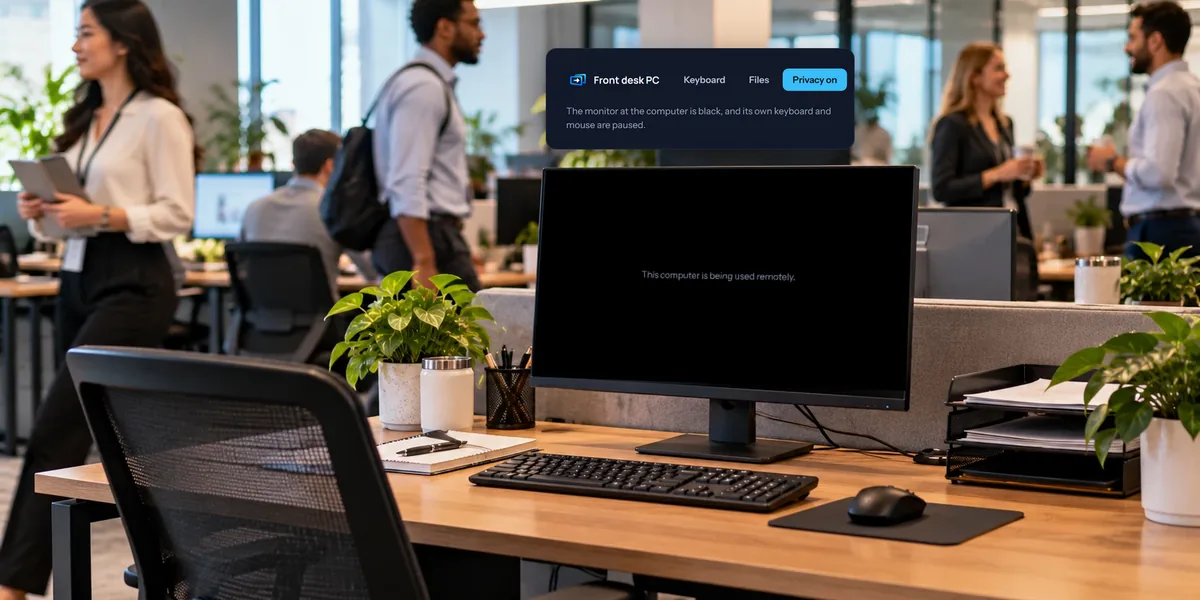
- The screen is blacked out. Chat pauses while the privacy screen is on, since the person at the computer can't see it. Turn Privacy off to chat again.
- Your team turned it off. A team can switch chat off for its computers under Rules on the Team page.
- Too many at once. The computer takes up to 10 messages in 10 seconds from each person. Any more in that time don't get through, so wait a moment and send again.
Is chat saved?
Messages go straight between your browser and the computer, not through our servers, and they aren't kept after the session. The one exception is a recorded session: the conversation is saved as a text file beside the recording, on that computer. Our guide to recording sessions explains where it goes.
Questions people ask
Can we talk out loud?
Not through View My Desktop. There's no voice, so for a long conversation a phone call is easiest, with the session open while you talk.
Does chat cost extra?
No. It comes with every plan.
Can I chat when I'm helping someone with a code?
Yes. Use Chat on your toolbar, and they choose Send a message in the help app. Our guide to remote support with a one-time code covers the rest.