
"Can I get a VPN so I can work from home?" is one of the most common questions an office IT person hears. Sometimes a VPN is the answer. Often what the person really wants is remote desktop. The two get mixed up because both let you work from somewhere else, but they do it in very different ways.
A VPN brings your device to the network
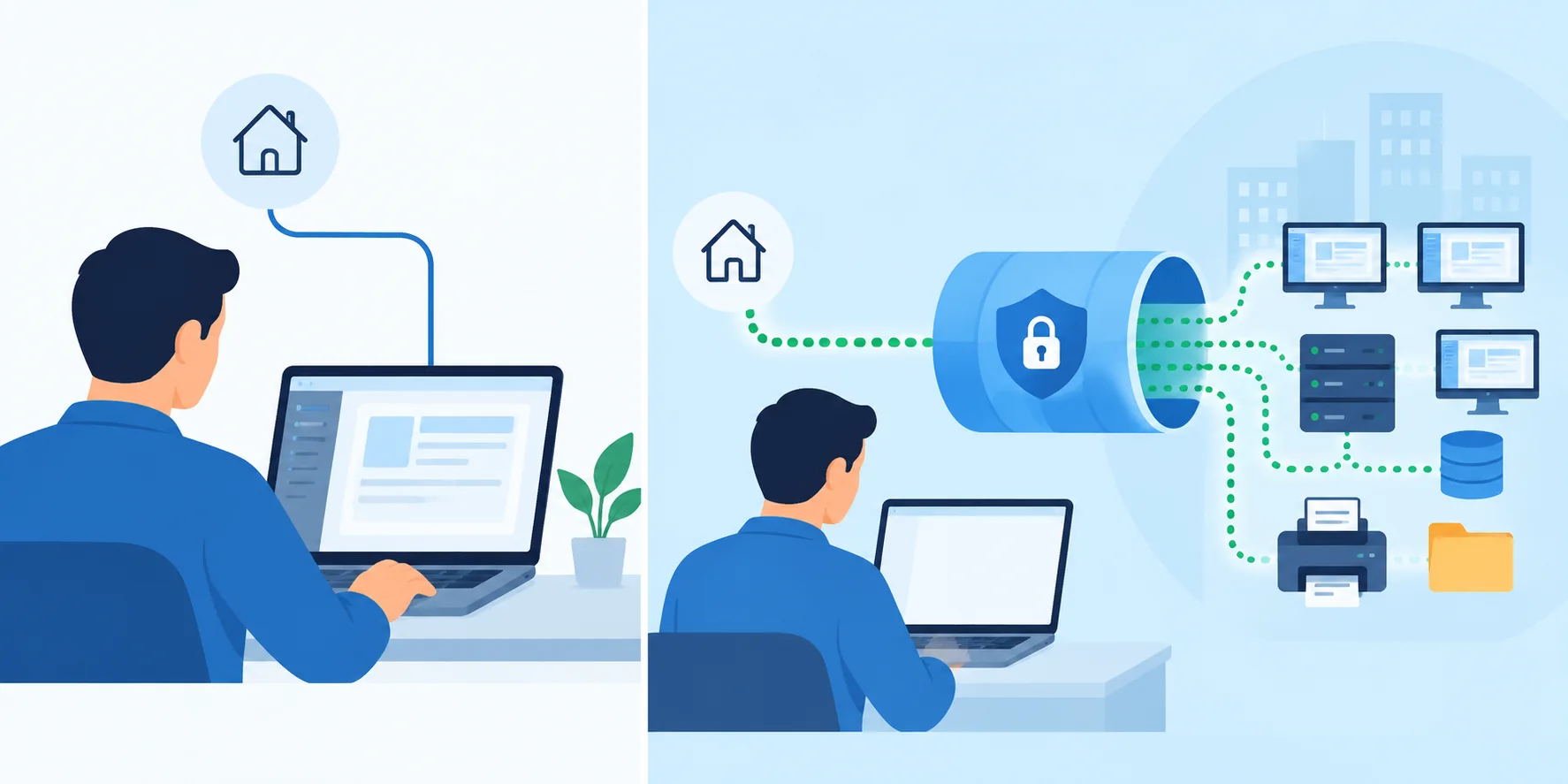
A VPN, or virtual private network, makes your laptop act as if it were plugged in at the office. Once it's connected, your laptop can reach the office's shared drives, internal websites, and printers, as if it were sitting on a desk there.
Everything still runs on your laptop. If you open a big file from the shared drive, it travels across the internet to you. If a program is only installed on the office PC, the VPN doesn't help, because your laptop doesn't have it.
Remote desktop brings the computer's screen to you
Remote desktop leaves everything where it is. The office PC keeps running its programs and its files stay on its drive. What travels to you is the picture of its screen, and what travels back is your typing and clicks.
Your device can be almost anything with a screen, a phone included, because it isn't doing the work. The office PC is.
Side by side
| VPN | Remote desktop | |
|---|---|---|
| What you get | Your device joins the office network | You see and use one computer's screen |
| Where programs run | On your device | On the remote computer |
| Files | Travel to your device when opened | Stay on the remote computer |
| Works from a phone | Only for what the phone can run | Yes |
| Setup | Usually needs IT and a VPN server | Install a host on the computer |
| Good for | Shared drives, internal websites | Programs installed on one PC |
When a VPN is the right call
- Your company's tools are mostly internal websites and shared folders.
- You have a work laptop with everything installed on it already.
- IT needs your device to be on the network for its own reasons, like managing it.
When remote desktop is the right call
- The program you need only exists on one computer, like an accounting package or a machine's control software.
- The files are big, or sensitive, and are better off staying put.
- You want to work from a phone, a tablet, or a borrowed computer.
- There's no IT department to set up a VPN, or you'd rather not open your network to every device that connects.
Using both
Plenty of offices use the two together. Microsoft's own Remote Desktop usually needs a VPN to work from outside the office, because it's built for the local network. A remote desktop service like View My Desktop doesn't need one: the computer's host keeps its own secure line out, so nothing on the router has to be opened.
A note on security
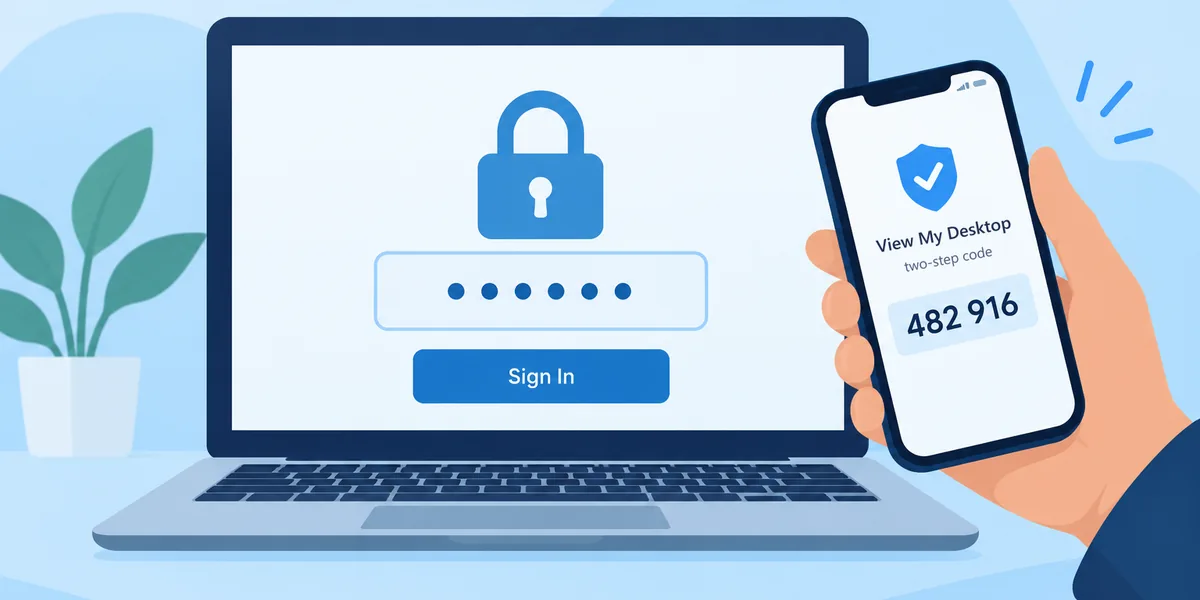
A VPN gives the connecting device access to a whole network, so a compromised laptop can reach a lot. Remote desktop limits you to the computers you've been given, each with its own lock. Neither is safe by default. Both need strong sign-in, two-step verification, and care about who gets access. Our guide to whether remote desktop is safe covers what to check.
Questions people ask
Is remote desktop slower than a VPN?
It depends on the job. Opening a 2 GB file over a VPN means moving 2 GB. Over remote desktop, only the picture moves, so big files open as fast as they do at the office. For light web browsing, a VPN feels more like being local.
Do I need Windows Pro for either?
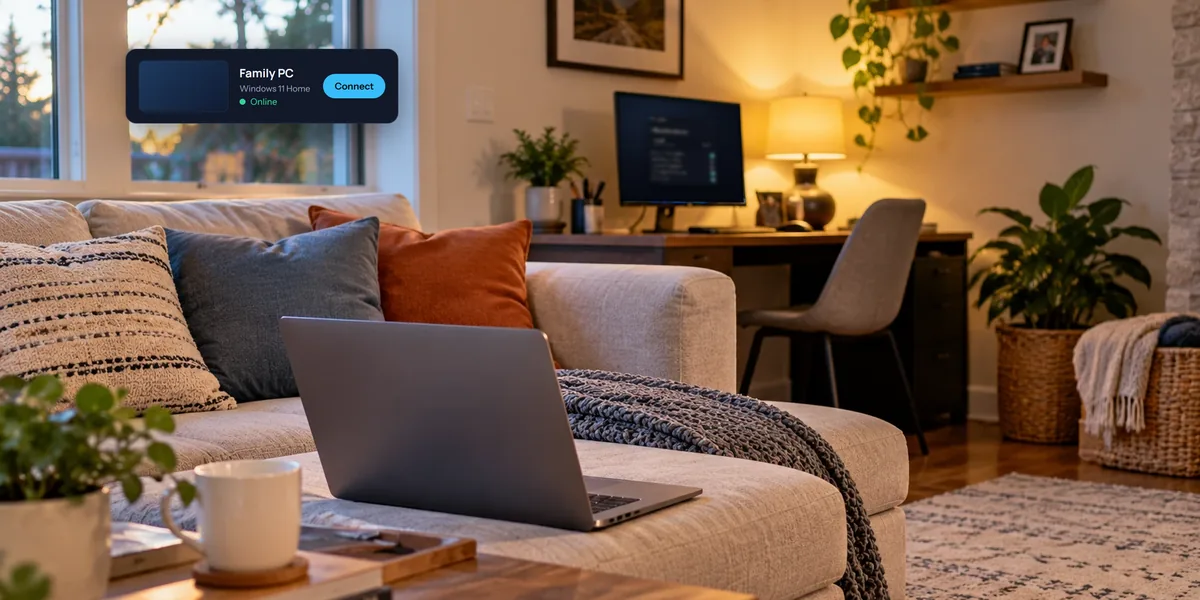
Microsoft's built-in Remote Desktop needs Pro on the computer you connect to. View My Desktop works on Windows Home and Pro. See remote desktop on Windows 11 Home.