
Closing your account takes a minute, and you don't need to ask us. You also get 14 days to change your mind. Here's what happens, so nothing comes as a surprise.
Only want to stop paying?
You don't have to close your account for that. Cancel your plan under Plan and billing, and your computers and settings stay, ready if you come back. Our guide to the free trial, billing, and cancelling explains how.
What closing does
As soon as you close your account:
- You're signed out everywhere, on every phone, tablet, and browser, and the devices you approved are forgotten.
- Your own computers are removed. Their View My Desktop hosts are signed out and can't be reached. Computers in a team stay with the team.
- Sharing and guest links end. People you shared computers with lose them, and links you made stop working.
- You leave your team. If you're the team's only member, the team closes with you.
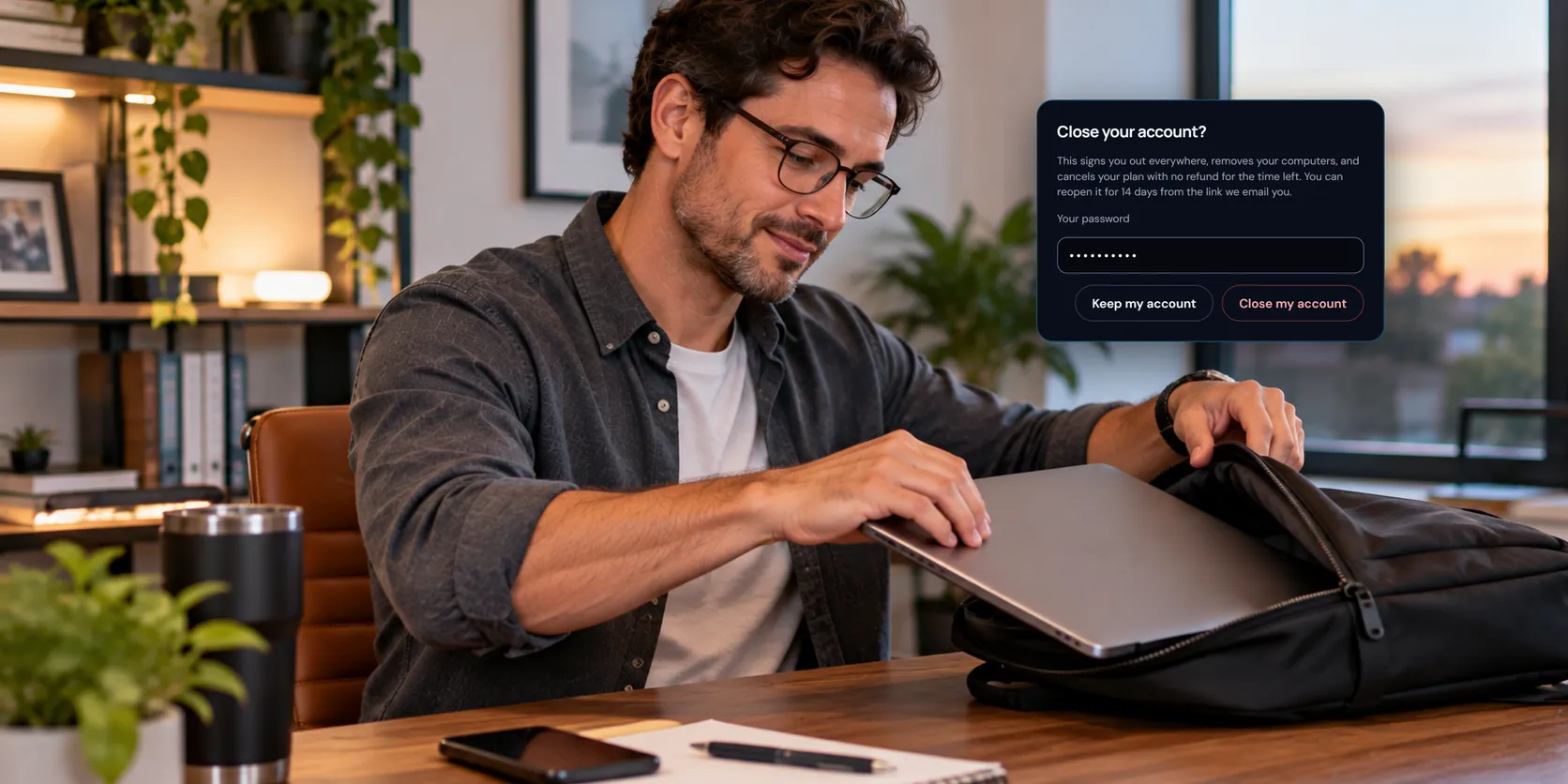
- Your plan is cancelled straight away, with no refund for the time left.
Close it
- Sign in at app.viewmydesktop.com, and open Security.
- Under Close your account, choose Close my account.
- Type your password, and your two-step code if you use one, then confirm.
If your account has no password, because you sign in with Microsoft, Google, or Apple, we email you a link instead. Open it within an hour and choose Close my account there.
Either way, we email you a link that reopens the account.
If you own a team
A team with other people in it needs a new owner before you go. Ask us from the Support page, tell us who should take over, and we'll hand the team to them. Then you can close your account.
Reopen it within 14 days
Open the link in the email we sent when you closed it, and choose Reopen my account. You can sign in again as before.
What was removed doesn't come back by itself. Add each computer again from that computer, choose a plan again if you had one, and share with people again.
After 14 days
Your personal details are deleted or anonymized, including the messages and pictures in your support requests, and the account can't be reopened. Our Privacy Policy has the details. After that, you can make a new account with the same email address.
Remove the app from your computers
Closing your account signs the View My Desktop host out on each computer, but it doesn't uninstall it. To remove it, uninstall View My Desktop in Settings, Apps on a Windows PC, or drag it from Applications to the Trash on a Mac.
Questions people ask
I tried to sign up again and got an email instead. Why?
While a closed account can still be reopened, signing up with its email address sends you an email saying when it was closed and until when the link reopens it. Once the 14 days are up, you can sign up with that address as new.
Can you close my account for me?
If you can't sign in, contact us from the email address on the account.